Read without stopping
Open the whole message in clear, readable pages while your phone stays put.
LensMail 3.0.0 · Available in Even Hub
Microsoft 365 Outlook · Even Realities
Your inbox, in sight.
Read, triage, and draft Outlook email from your Glasses when pulling out a phone would interrupt the moment.
Get LensMail in Even Hub. Already using it? Find your version in About LensMail.
LensMail is built for the moment when reaching for a phone is awkward, distracting, or impossible. It keeps the workflow small, legible, and close to the task.
Open the whole message in clear, readable pages while your phone stays put.
Filter the inbox, flag a follow-up, mark, archive, move, or confirm a deletion. Keep useful Outlook actions close to the message.
Reply, reply all, forward, or start a new message. Save a draft for later, or review and confirm sending from LensMail.
LensMail connects directly to Microsoft. There is no mailbox backend, embedded client secret, or paid AI service.
Your mailboxes, your folders, and the actions you already know, shaped for a glance and a ring gesture. LensMail 3 feels closer to a dedicated mail client without trying to squeeze a desktop onto your glasses.
Open Inbox, Drafts, Sent Items, Archive, Deleted Items, or your own folders. Combine All, Focused, or Other with Unread, Flagged, or With Attachments.
See a useful overview, select a message, and read it directly. Explore a conversation or message details. Long mail stops at End of Email, not the next action.
Use suggested replies, your own saved phrases, recent-recipient matches, and a three-tray keyboard. Reopen an Outlook draft and continue the same message.
Save to Drafts or choose Review & Send. Read the saved recipients and message, then decide at a separate confirmation that starts on No.
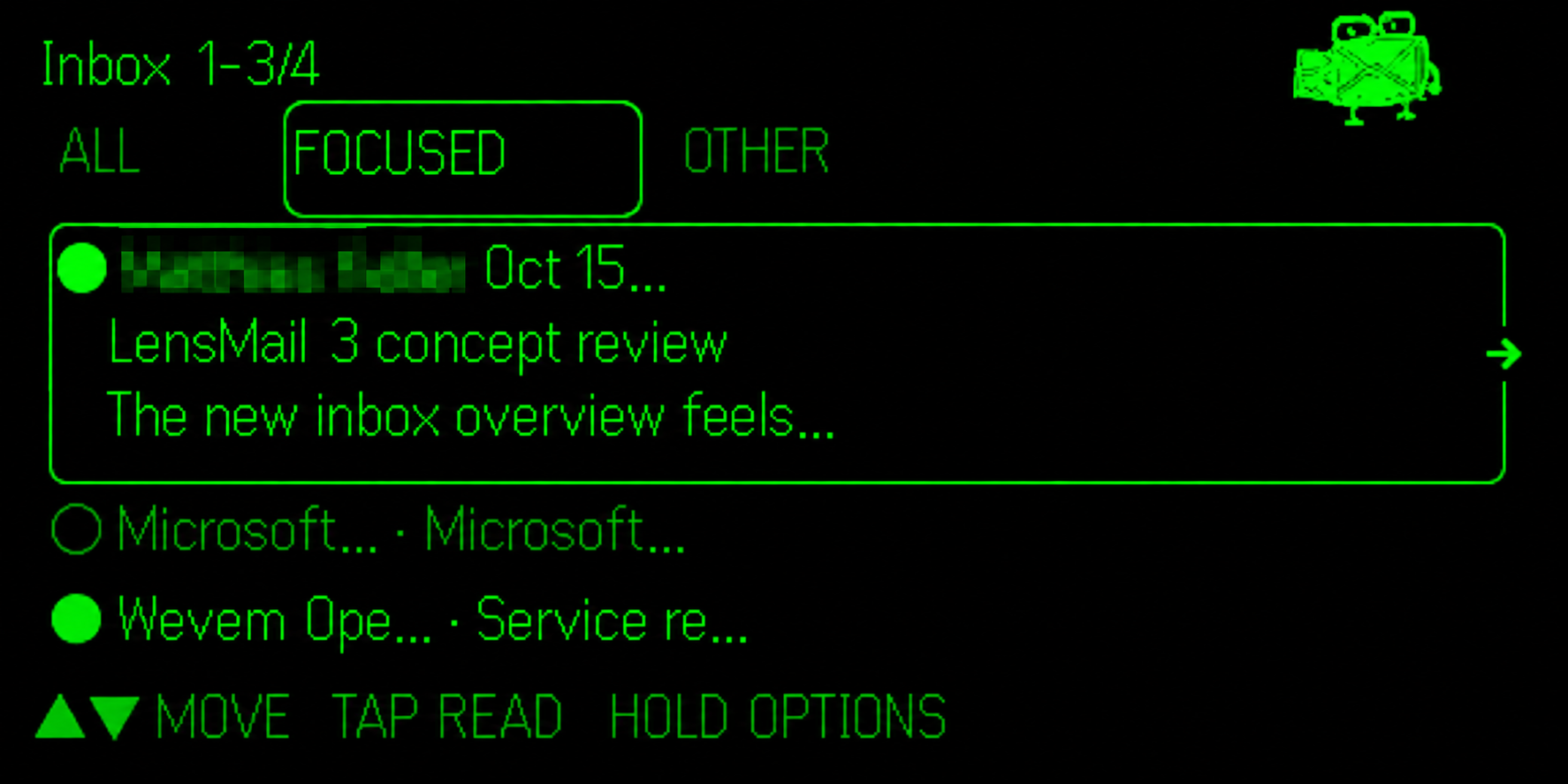

These are native simulator views of LensMail 3.0.0 using example mail. LensMail is an independent Even Hub app, not the Microsoft Outlook application. Attachments are names and sizes only; use Outlook for rich formatting and attachment editing.
The next update, LensMail 3.0.1, brings a calmer phone companion and My LensMail: a home for the replies, people, and small preferences you use often. It is being prepared for submission and is not yet the public Hub release.
Name your own saved replies, find them by search or category, and favorite the ones you use most.
Keep contacts on your device. Connect your personal Outlook contacts only if you choose; editing is a separate permission.
Full messages wrap naturally on the phone, forms stay reachable, and common writing tools are easier to find.
Your ring gestures, glasses reading, Speccy, and Microsoft email connection stay familiar. Optional contacts never become a condition for email.
See how My LensMail works or read the optional contacts privacy notes.
LensMail App
LensMail keeps each screen focused on what matters now. Read the cue, use the R1 Ring, and keep working through email without juggling a phone.
Choose Connect M365 for Me and sign in directly with Microsoft. If your workplace controls delegated applications, a Microsoft 365 administrator may need to approve LensMail first. Organizations can also use their own Entra application.
Use the Microsoft 365 email you already rely on, with the access your organization allows.
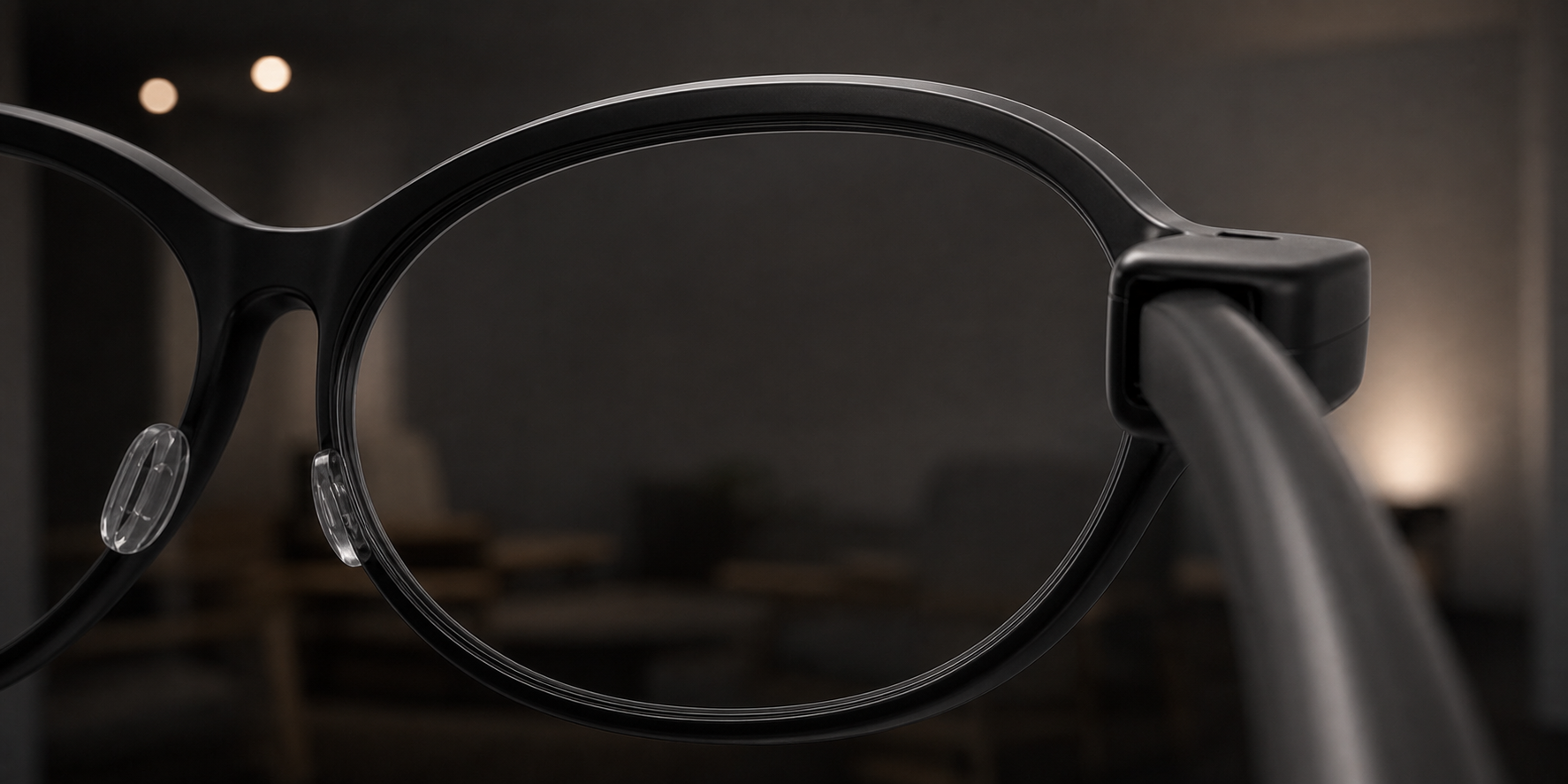
Even G2 glasses and the R1 Ring keep short email decisions in sight while your hands stay available.
Use the guided LensMail connection, request administrator approval when required, or add an organization-owned public app.
LensMail is independently developed and free to use. If it has made Outlook a little easier, a voluntary coffee helps support testing, hosting, compatibility work, and the next useful idea.

Contributions are completely optional. They do not unlock features, create a subscription, guarantee future development, or provide priority support. Payment is handled by Buy Me a Coffee under its own terms and privacy policy.
Independent software
LensMail is created by Eddie Rivera, Wevem MSP. It is not affiliated with, endorsed by, or sponsored by Microsoft Corporation or Even Realities. Microsoft 365 and Outlook are trademarks of Microsoft. Even G2 and Even Hub are products of Even Realities. Review the Privacy Policy and Terms of Service before connecting a Microsoft account.